Dice Game
Your First Project
Once you have created your account and configured your first LLM, you can start using CodeCleaner AI.
You first need to create (or update) a project.
CodeCleaner AI creates a default project for you when you first log in.
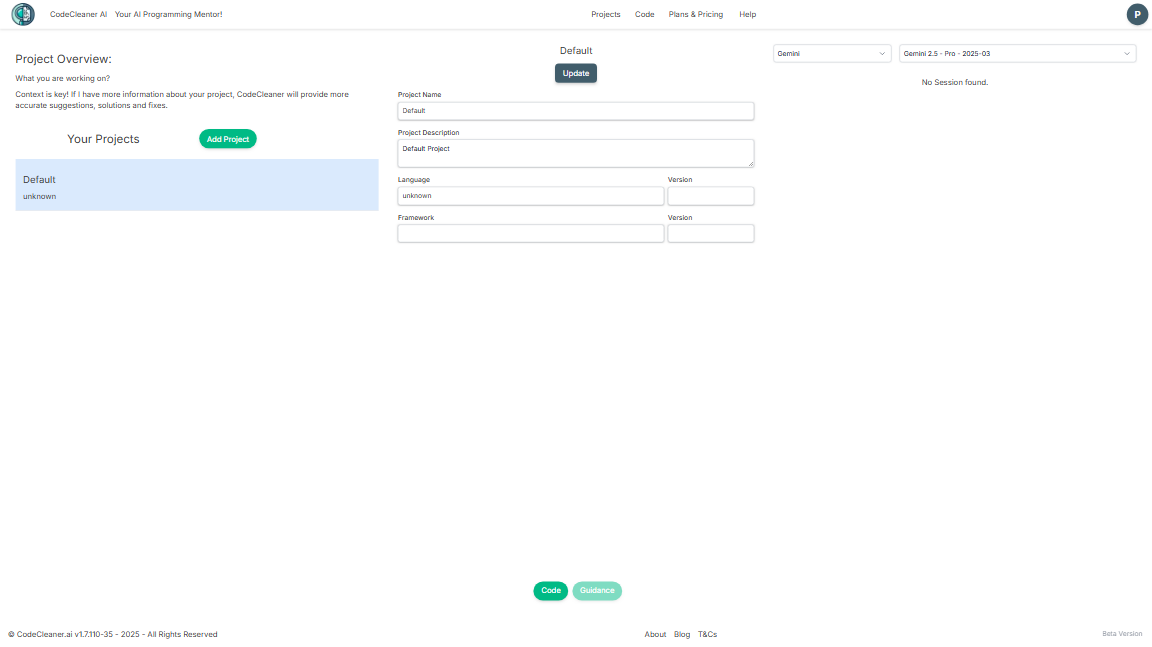
You can edit this project to add more information about it.
Edit the Default Project
- Project Name:
Dice Game - Project Description:
A simple dice game. - Language:
Go - Version:
1.24
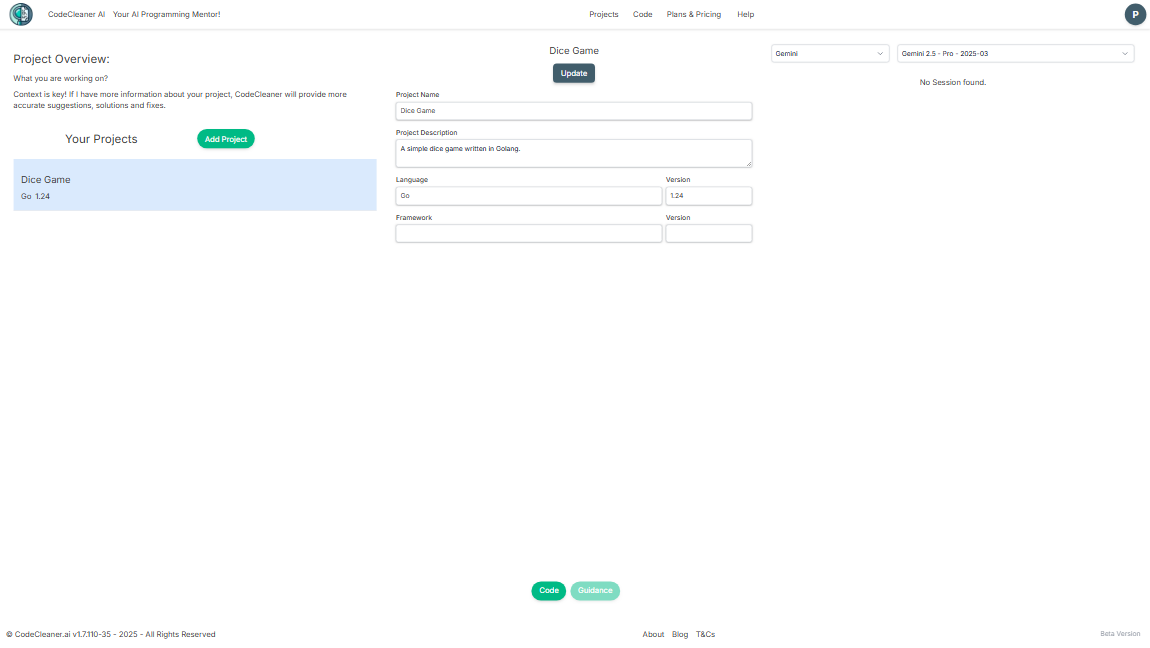
Don't forget to click on the Update button to save your changes.
The Code:
We will use the following code for our first project:
package main

import (
	"fmt"
	"math/rand"
	"time"
)

func rollDice() int {
	return rand.Intn(6) + 1
}

func playGame() int {
	totalScore := 0
	for i := 0; i < 10; i++ {
		dice1 := rollDice()
		dice2 := rollDice()
		score := dice1 + dice2
		if dice1 == dice2 {
			score *= 2
		}
		totalScore += score
	}
	return totalScore
}

func main() {
	rand.Seed(time.Now().UnixNano())

	player1Score := playGame()
	player2Score := playGame()

	if player1Score > player2Score {
		fmt.Printf("Player 1 wins with %d points\n", player1Score)
	} else if player2Score > player1Score {
		fmt.Printf("Player 2 wins with %d points\n", player2Score)
	} else {
		fmt.Printf("It's a tie with %d points each\n", player1Score)
	}
}
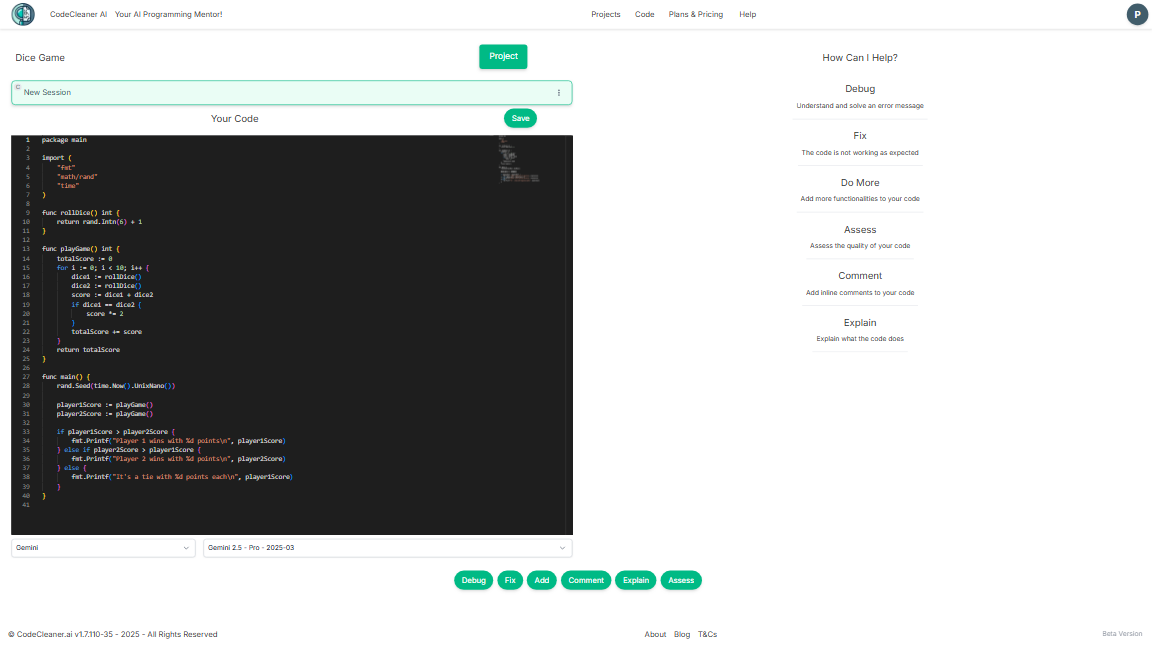
Copy that block of code and paste it in the Code area.
You Can Use Actions
The "Actions" buttons are now enabled